 Kaomoji Club
What makes a kaomoji look like a cat?
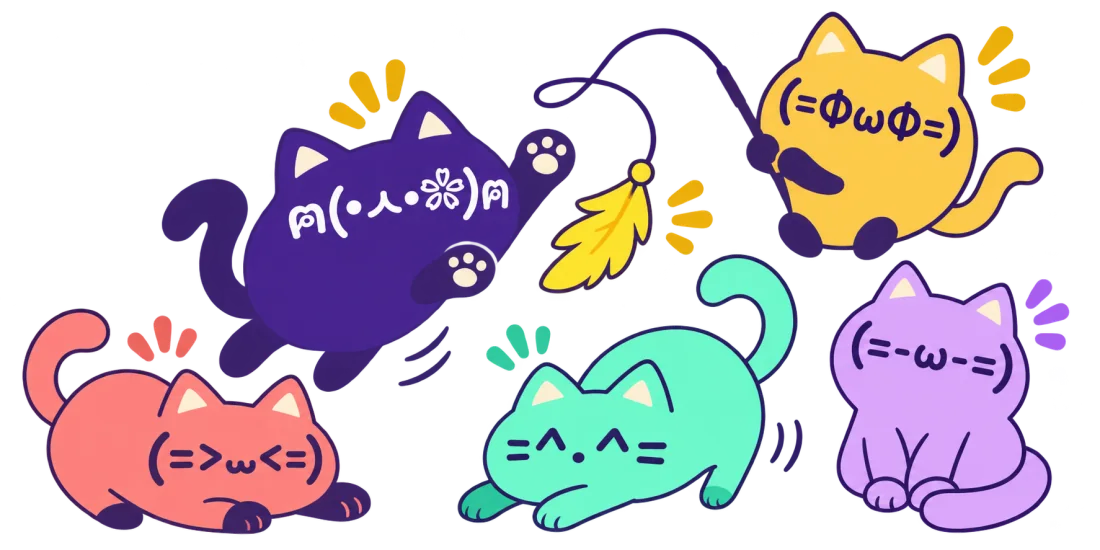
In =^.^=, the equals signs look like whiskers and the carets look like pointed ears. Other cat faces use a rounded ω or ᆺ for the muzzle. A ฅ on each side looks like two raised paws. These cues can make even an unfamiliar cat face easy to recognize.
How do I find a cat with the right mood?
Search for “paws” if you want a playful greeting. Search “sleepy” or “cat nap” for closed eyes and snoring marks. Wide, round eyes give a curious look. Downturned eyes and a flatter mouth work for a mock-grumpy reply, especially when the message already sounds playful.
Short cat text for a bio, longer cats for messages
For a profile: start with =^.^=, which uses common characters and takes little space. Put it after your name or on its own line. Some username fields allow fewer symbols than the bio or display name field, so check what the destination accepts.
For a chat: try a cat with paws to wave hello, or a longer sleeping face when you’re signing off. Longer faces can wrap between characters in a narrow column. If that happens, use a short sleeping face or move it to its own line.
Why did the whiskers or paws change after I pasted?
Your app may choose a different font or show a missing character as a square. Compare the preview with the posted message. If you want a recognizable animal with a different silhouette, try the bears or bunnies in cute kaomoji. For a cat-style greeting with a heart, see both the cat collection above and heart kaomoji.